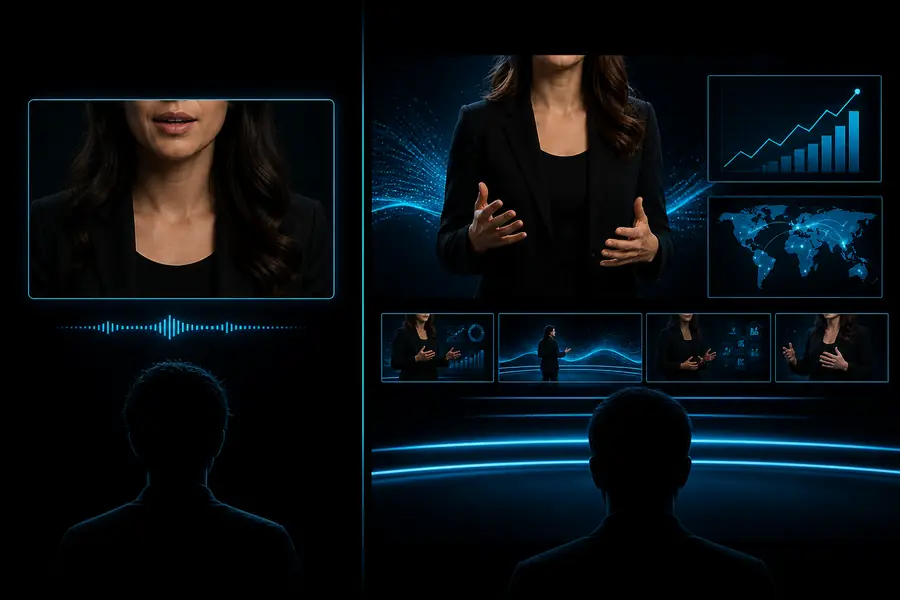
AI video comparison

HeyGen vs D-ID for AI Video: A Practical Comparison

HeyGen vs D-ID comes down to more than avatar style. This guide compares the tools across cost, visual quality, production time, workflow fit, and the trade-offs that matter before you move a real project.

6+ comparison criteria
2 platform approaches
1 clearer buying decision
Create an AI video

Use the comparison as a starting point, then test the same script in both workflows.

01 · Cost and access

Total cost table

The cheaper-looking option is not always the lower-cost workflow. Your real total includes usable avatar choices, editing time, localization, revisions, and the number of people who need to produce videos.

HeyGen and D-ID total cost comparison
Attribute HeyGen AI D-ID
Starting access Free trial or limited access Free trial or limited access
Paid plans Credit or usage-based plans Usage-based plans available
Avatar breadth Large stock and custom-avatar range Strong talking-head selection
Translation workflow Built into the broader video workflow May require a separate workflow
Team production Designed for repeatable content teams Suitable for focused creator workflows
Revision overhead Templates can reduce repeat edits More manual iteration for complex scenes
Best cost fit High-volume, multilingual, branded video Short, direct presenter-led clips

iPlan names, limits, and credits change over time. Treat this table as a workflow comparison rather than a fixed price quote.

02 · Output quality

Where quality differs

Both platforms can turn a script into a presenter-led video, but they emphasize different kinds of quality. HeyGen AI is generally stronger when polish, brand consistency, and localization are part of the brief.

AI presenter video example with branded studio styling
OPTION A

HeyGen AI

Best for polished, repeatable business video.

  • Broad avatar and voice choices for different audiences.
  • Better fit for branded layouts, training, and localization.
  • A more complete path from script to finished presentation.
  • More options can mean more decisions during setup.
Talking avatar video example for a concise presenter message
OPTION B

D-ID

Best for quick talking-head experiments.

  • Simple concept: give an image or avatar a script and voice.
  • Useful for lightweight prototypes and short announcements.
  • Can feel direct when the visual brief is uncomplicated.
  • Complex brand systems may need more manual finishing.

For a broader platform comparison, see heygen vs synthesia, especially if your shortlist includes enterprise training tools.

03 · Production speed

Where time differs

The fastest tool is the one that removes the most rework from your specific process. A one-off clip may favor simplicity, while a content library rewards templates and reusable production decisions.

Choose HeyGen AI when
Several people will create videos from the same brand system.
You need multiple languages, presenters, formats, or recurring series.
You want fewer handoffs between script, avatar, voice, and delivery.

Its advantage is cumulative: each reusable choice can shorten the next production cycle.

Choose D-ID when
You need a quick proof of concept from a short script.
The video is mostly one presenter speaking to camera.
You are testing whether an avatar-led format fits the audience at all.

Its focused workflow can be efficient when your brief has few visual requirements.

Time-to-publish includes review, corrections, exports, and localization—not only the first render.

04 · Decision guide

When switching is worth it

Switching platforms makes sense when the current tool creates a repeated cost: weak output, slow review, limited localization, or a workflow that only one person understands.

Do not switch for a single test

If you are only validating whether synthetic presenters can explain a simple idea, changing platforms may add more evaluation work than value.

Workaround: test one identical script in both tools before moving a library.

Expect some human review

Neither platform removes the need to check pronunciation, emphasis, facial motion, brand claims, and accessibility before publishing.

Workaround: keep a short approval checklist for every export.

Account for creative limits

Avatar video is strongest for presenter-led communication. It is not a replacement for every live-action scene, product demonstration, or expressive narrative.

Workaround: reserve AI video for explainers, updates, onboarding, and localized messages.

Migration takes structure

Existing scripts may transfer easily, but templates, voice decisions, approvals, and source assets still need a consistent operating process.

Workaround: migrate one recurring series first and measure revision time.
05 · Final verdict

Comparison FAQ

The right choice depends on whether you value a focused prototype or a broader AI video production system.

2 main workflow styles: focused prototype or scalable production
6+ decision factors beyond headline subscription cost
1 identical script to test before committing
01Is HeyGen AI better than D-ID?

HeyGen AI is usually the better fit for teams making polished, recurring, or multilingual videos. D-ID can be the more practical choice for a quick talking-avatar experiment or a concise presenter message.

02Which platform is easier for beginners?

D-ID may feel more direct when the task is simply turning an image and script into a video. HeyGen AI offers a wider production surface, so it can take longer to learn, but that extra structure becomes useful as projects become more repeatable.

03Can both tools create avatar videos?

Yes. Both can create videos with synthetic presenters, voices, and scripted speech. The meaningful difference is how much control you need over avatar selection, visual presentation, branding, language versions, and the steps around the final render.

04Should a business switch from D-ID to HeyGen AI?

Switch when your team is spending recurring time on manual finishing, localization, inconsistent presentation, or scattered production steps. If your current D-ID workflow remains fast and produces the quality your audience accepts, switching may not be urgent.

05What is the fairest way to compare them?

Use the same script, presenter style, language, aspect ratio, and review standard in both tools. Compare the complete path to publication, including edits and approval time, rather than judging only the first generated clip.

Test your next video workflow